How to buy Crypto

We recommend exodus wallet for smoother handling

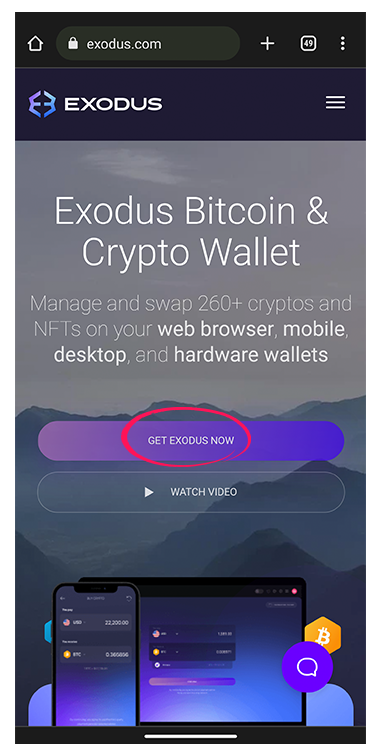
1. Download the Exodus wallet. No registration needed. No KYC needed.

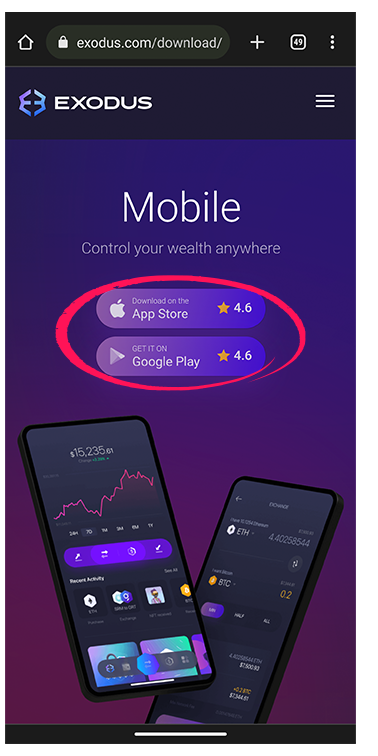
2. Choose either the iOS or Android app.
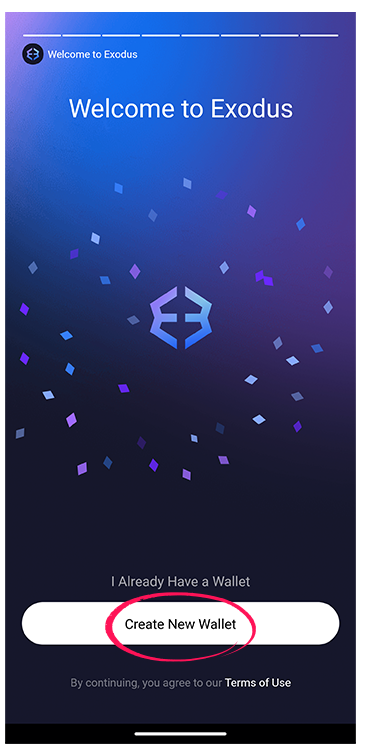
3. Create a new wallet. Make sure to write down or make a back up of your seed phrase. Store it in a safe location.
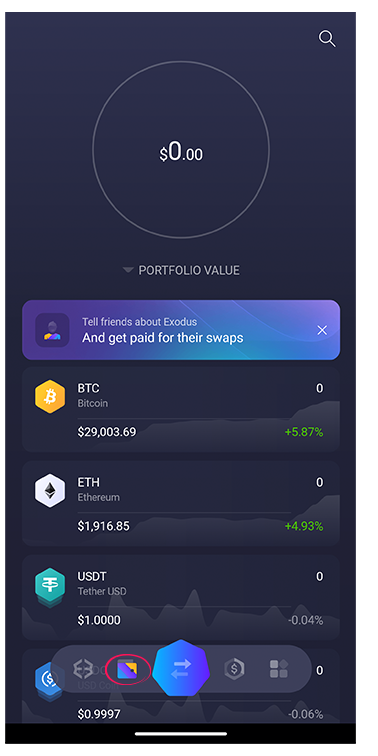
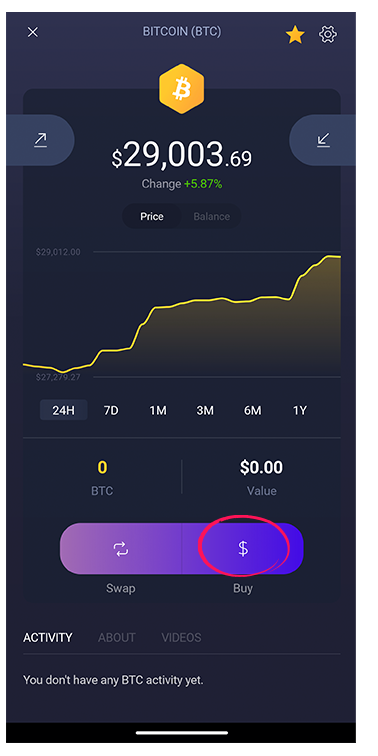
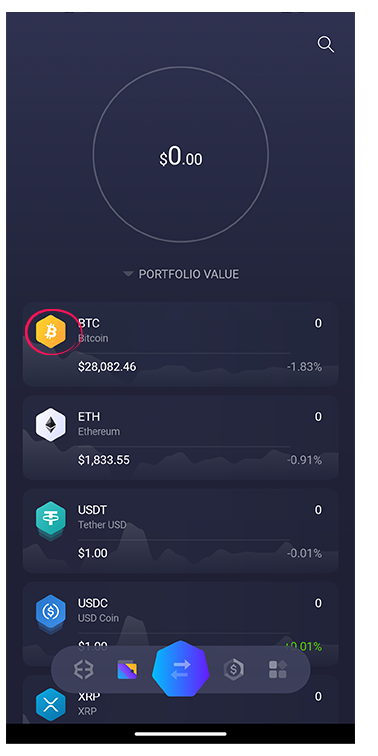
4. Go to the bitcoin wallet.
5. Press the BUY button
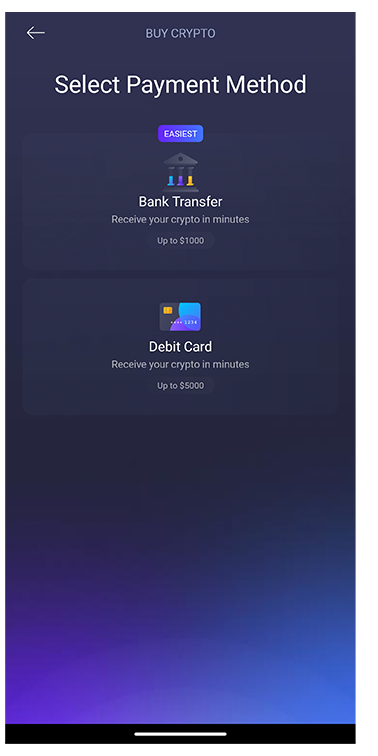
6. Choose your payment method
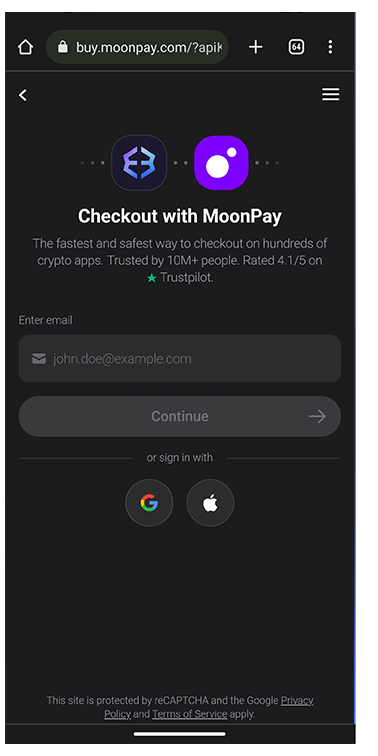
7. Only your e-mail address is needed for confirmation

8. The amount of bitcoin you bought will appear in your wallet
How to pay with crypto (Using Exodus Wallet)

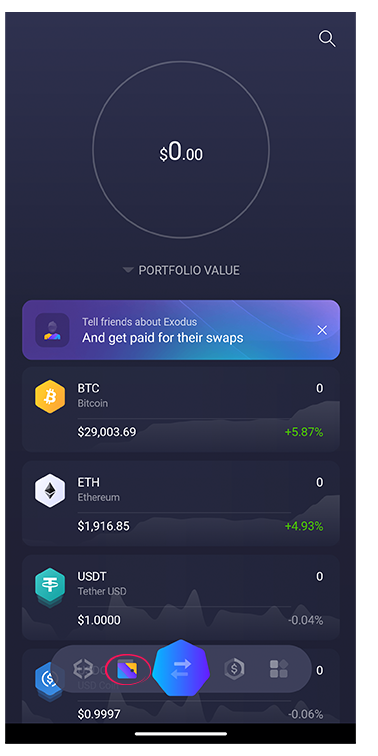
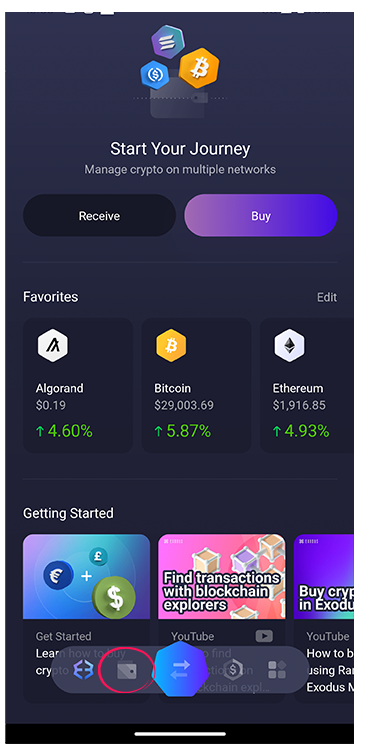
9. Open Exodus and click on the wallet icon
10. Choose the crypto you want to pay with
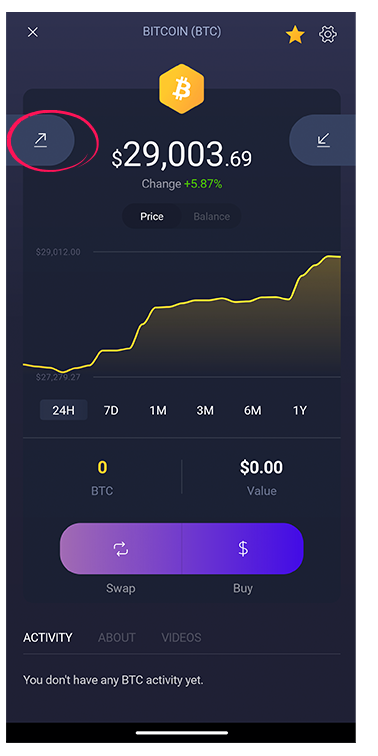
11. Click the arrow on the left side to send money
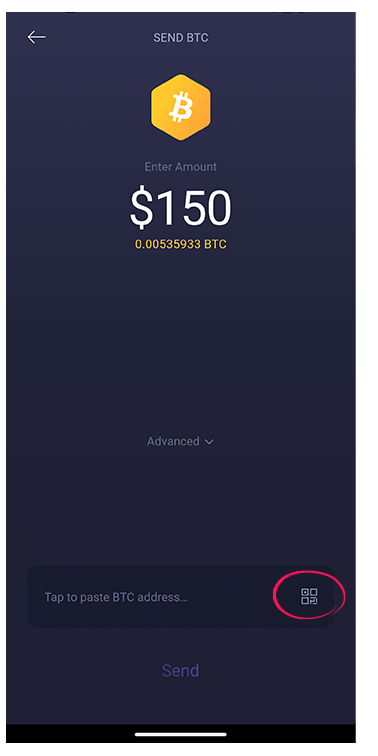
12. Enter the correct amount or scan the QR code to make the payment